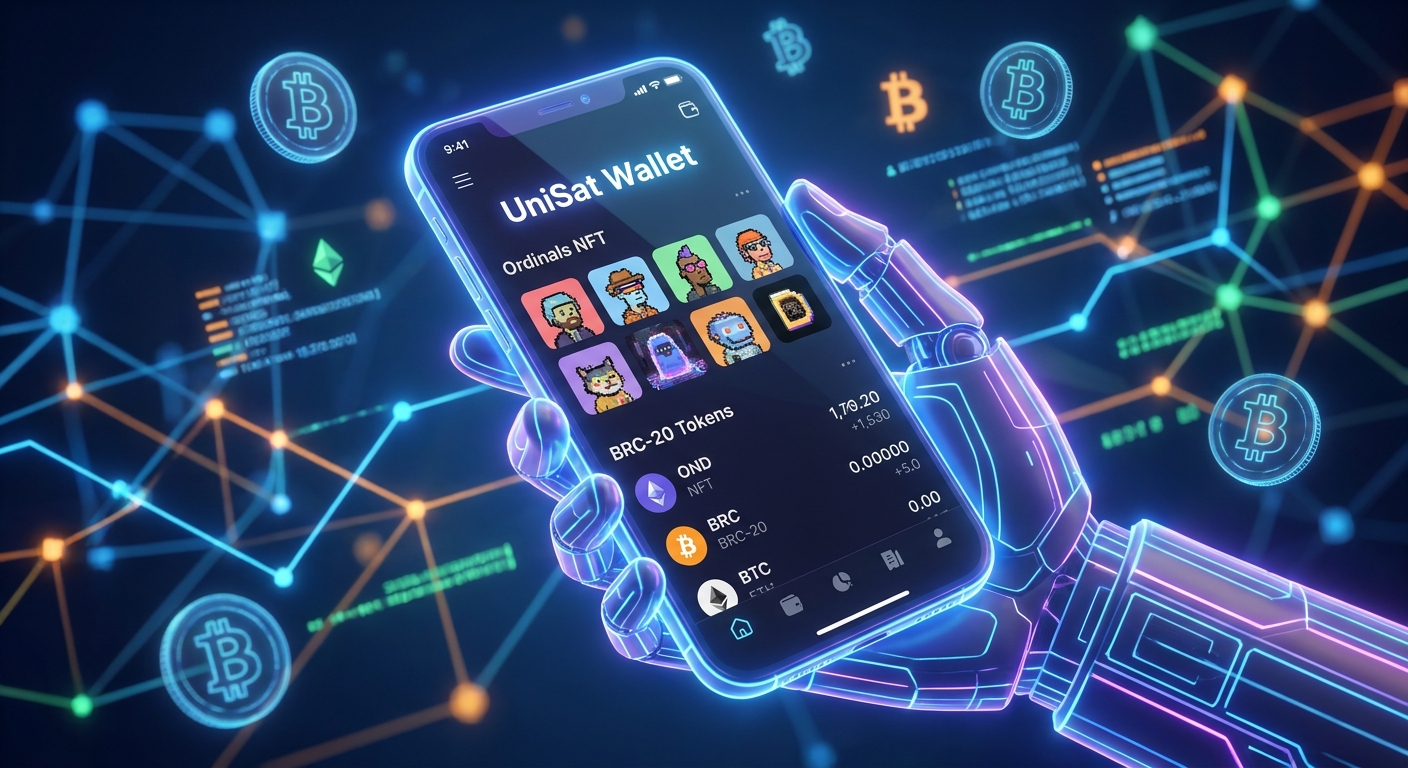
The Bitcoin network has embraced a new era of digital assets with the advent of Ordinals and BRC-20 tokens. This innovation allows for NFTs and fungible tokens directly on the Bitcoin blockchain, fostering a vibrant new ecosystem. At the forefront of managing these novel assets is UniSat Wallet, an essential tool designed to empower users to interact seamlessly with Bitcoin's evolving digital landscape. This comprehensive guide will equip you with the knowledge to harness UniSat Wallet's full potential.
What is UniSat Wallet?
UniSat Wallet is a non-custodial browser extension wallet built specifically for the Bitcoin network, with a core focus on supporting Ordinals and BRC-20 tokens. Unlike traditional Bitcoin wallets, UniSat is engineered to recognize, display, and facilitate interactions with inscribed digital artifacts and fungible tokens. It serves as your primary gateway to minting BRC-20 tokens, buying and selling Ordinals NFTs on marketplaces, and managing your unique Bitcoin-based digital collectibles.
Getting Started with UniSat Wallet
Installation and Setup
Begin by installing the UniSat Wallet browser extension, available for popular browsers like Chrome and Brave.
- Download: Visit the official UniSat Wallet website or your browser's extension store and search for "UniSat Wallet."
- Install: Click "Add to Chrome" (or your respective browser) and confirm the installation.
- Launch: Locate the UniSat icon in your browser's toolbar and click it to open the wallet interface.
Creating a New Wallet
For first-time users, creating a new wallet is a straightforward process:
- Select "Create New Wallet": Choose this option on the initial setup screen.
- Set Password: Create a strong, unique password for your wallet. This password encrypts your wallet locally.
- Backup Seed Phrase: This is paramount. UniSat will display a 12 or 24-word recovery phrase. Write this down meticulously on paper and store it securely offline. Never share it, and never store it digitally. This phrase is your sole means of recovering funds.
- Confirm Seed Phrase: You will be prompted to confirm specific words from your seed phrase to ensure accurate backup.
- Select Address Type: UniSat supports various address types. For Ordinals and BRC-20, the "Taproot (P2TR)" address type is generally recommended for optimal compatibility.
Importing an Existing Wallet
If you possess a seed phrase from another compatible wallet, you can easily import it:
- Select "Restore Wallet": Choose this option on the setup screen.
- Enter Seed Phrase: Carefully input your 12 or 24-word recovery phrase, verifying spelling and order.
- Set Password: Create a new password for your imported wallet.
- Select Address Type: Choose "Taproot (P2TR)" for best compatibility with Ordinals and BRC-20 assets.
Understanding Ordinals and BRC-20
Bitcoin Ordinals NFTs
Bitcoin Ordinals are unique digital assets (NFTs) inscribed directly onto individual satoshis—the smallest unit of Bitcoin—using the Ordinal theory protocol. Each inscription is unique, immutable, and secured by the Bitcoin blockchain's robust security. UniSat Wallet allows for the viewing, sending, and receiving of these distinct digital collectibles.
BRC-20 Tokens
BRC-20 is an experimental fungible token standard built on the Bitcoin network, leveraging the Ordinals protocol. Similar to ERC-20 tokens on Ethereum, BRC-20s enable the creation and transfer of fungible tokens on Bitcoin. UniSat Wallet serves as a primary interface for interacting with these tokens, including minting, transferring, and trading them on supported platforms.
Minting BRC-20 Tokens with UniSat
Minting is the process of creating new BRC-20 tokens according to a predefined supply. UniSat simplifies this process:
- Navigate to the BRC-20 Section: Access the BRC-20 tab within your UniSat Wallet interface or on the UniSat Marketplace website.
- Browse Available Tokens: Identify tokens that are still available for minting, often indicated by a progress bar.
- Select Token and Mint Quantity: Choose the desired BRC-20 token and specify the quantity you wish to mint (typically a fixed amount per transaction).
- Confirm Transaction: UniSat will prepare the transaction. Review the details, including the transaction fees (paid in BTC). Adjust your fee rate if necessary, especially during network congestion, for timely confirmation.
- Monitor Status: Once confirmed, the transaction will be broadcast. Track its confirmation status within UniSat or via a Bitcoin block explorer.
Purchasing Bitcoin Ordinals NFTs
The UniSat Marketplace is a leading platform for trading Ordinals. Here’s how to make a purchase:
- Access the UniSat Marketplace: Visit the official UniSat Marketplace website and connect your UniSat Wallet.
- Browse Listings: Explore the diverse collection of Ordinals NFTs. Utilize filters to refine your search by collection, price, or attributes.
- Select Your Ordinal: Click on an Ordinal to view its detailed information, including price, inscription ID, and seller data.
- Initiate Purchase: If you decide to buy, click the "Buy" or "Purchase" button.
- Review and Confirm: Your UniSat Wallet will display transaction details, including the Ordinal's price and associated transaction fees. Ensure you have sufficient BTC in your wallet.
- Execute Transaction: Confirm the transaction. Upon successful confirmation on the Bitcoin blockchain, the Ordinal NFT will appear in your UniSat Wallet.
Tips for a Smooth Experience
- Security First: Always verify you are on the official UniSat website. Never share your seed phrase with anyone.
- Fee Awareness: Bitcoin transaction fees can vary significantly. Monitor current fee rates and adjust your transaction fee for desired confirmation speed.
- Stay Informed: The Ordinals and BRC-20 ecosystem is dynamic. Follow UniSat's official channels and reputable news sources for updates and best practices.
- Use a Dedicated Wallet: For substantial holdings or frequent trading, consider using a separate UniSat Wallet specifically for Ordinals/BRC-20, keeping your primary BTC holdings in a hardware wallet or other secure solution.
Conclusion
UniSat Wallet is an indispensable tool for anyone engaging with the exciting new frontier of Ordinals and BRC-20 tokens on Bitcoin. By providing an intuitive interface for managing, minting, and trading these assets, UniSat unlocks the full potential of Bitcoin's evolving NFT and fungible token ecosystem. With this guide, you are now well-equipped to navigate this innovative space with confidence and security, ready to explore and collect the next generation of digital assets.